


Losing a smartphone is no longer just a financial inconvenience; it is a major digital security risk. Modern smartphones store sensitive banking applications, personal photographs, work communications, and two-factor authentication credentials. If your handset is misplaced or stolen, the first priority is to prevent unauthorised access and render the hardware unusable to thieves. Through the Department of Telecommunications (DoT), citizens across India can now easily block lost mobile phone online using the central government’s dedicated platform, the Sanchar Saathi portal.
Launched to empower mobile subscribers and strengthen digital safety, the Sanchar Saathi portal integrates the Central Equipment Identity Register (CEIR) database. This system allows device owners to blacklist their handset’s unique International Mobile Equipment Identity (IMEI) numbers across all Indian telecom networks. Here is an exhaustive, practical guide explaining how the service functions, prerequisites before filing, step-by-step submission procedures, and critical post-loss safety actions.
Understanding Sanchar Saathi and the CEIR System
The Sanchar Saathi portal (sancharsaathi.gov.in) is an official citizen-centric initiative introduced by the Department of Telecommunications, Ministry of Communications, Government of India. At its core lies the CEIR database, a nationwide repository connecting all major Telecom Service Providers (TSPs), including Bharti Airtel, Reliance Jio, Vodafone Idea, and BSNL.
Every mobile phone has one or two 15-digit IMEI numbers, depending on whether it supports single or dual SIM configurations. When an IMEI is reported lost or stolen and subsequently blacklisted through CEIR:
- The handset is blocked from connecting to cellular networks anywhere within Indian territory.
- Even if the person in possession replaces the original SIM card with a new SIM from another telecom operator, the phone will reject network signals.
- Whenever someone attempts to insert a working SIM into the blacklisted device, automated traceability logs are generated and shared with authorized law enforcement agencies to assist in recovery.
Mandatory Prerequisites Before Submitting a Request
Before initiating an online request on the Sanchar Saathi portal, you must gather essential documents and complete specific initial security steps. Attempting to fill out the form without these details will lead to application rejection.
1. Obtain a Duplicate SIM Card First
During the online blocking process, the portal sends an essential One Time Password (OTP) to the mobile number registered against the lost device. Therefore, you must visit your telecom operator’s retail store or service center, report the loss, and obtain a replacement SIM with the same phone number. Once the duplicate SIM is activated (usually within a few hours to 24 hours depending on the operator), you will be able to receive the required verification OTP.
2. File a Police Report or Digital Lost Report
You cannot submit a blocking request without an official police complaint number. Depending on your state, you can either visit the nearest local police station or submit an online lost-property report through the official State Police citizen portal or mobile application (such as Delhi Police e-FIR, Tamil Nadu Police portal, or Karnataka KSP app). You will need a digital copy (PDF or image) of the police receipt or First Information Report (FIR).
3. Retrieve Your Device IMEI Numbers
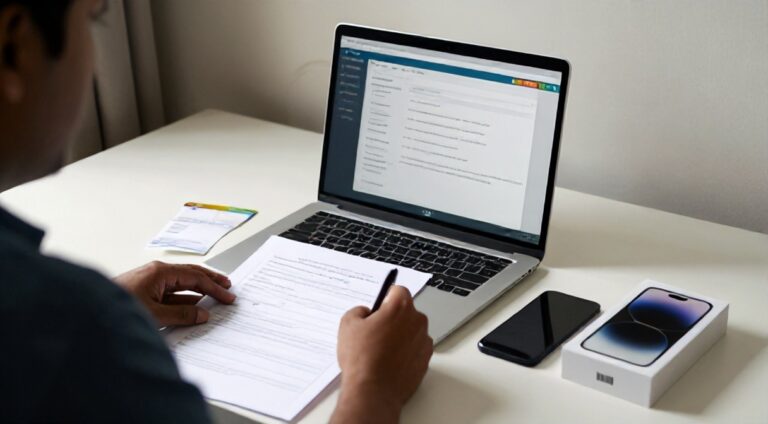
You must furnish the exact 15-digit IMEI number(s) of the handset. If your phone supported two physical SIMs or a physical SIM plus an eSIM, locate both IMEI 1 and IMEI 2. You can retrieve these from:
- The original retail box packaging of your smartphone.
- The original purchase invoice or e-commerce delivery bill.
- Your Google Dashboard (for Android devices under Find My Device) or Apple ID device management portal (for iOS devices).
4. Keep Identification and Purchase Proof Ready
Prepare scanned copies or clear photos of a government-issued photo identity card (Aadhaar Card, PAN Card, Voter ID, Passport, or Driving Licence) and, if available, the original mobile purchase invoice.
Step-by-Step Guide to Block Your Stolen or Lost Mobile Phone
Follow these precise steps on the official portal to disable your device:
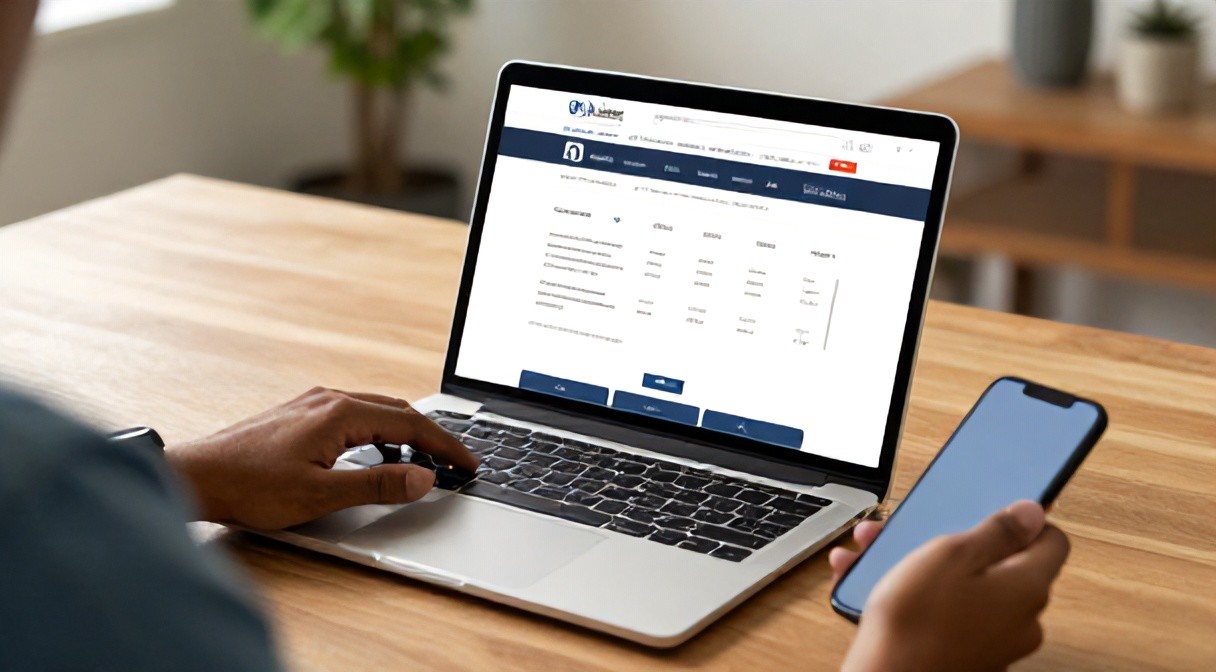
- Access the Portal: Open your browser and navigate to the official Sanchar Saathi portal at sancharsaathi.gov.in.
- Locate the CEIR Service: Scroll down to the “Citizen Centric Services” section on the homepage and click on Block Stolen / Lost Mobile. This will redirect you to the CEIR request module.
- Enter Device Information:
- Enter Mobile Number 1 and Mobile Number 2 (associated with the device).
- Enter the 15-digit IMEI 1 and IMEI 2.
- Select the Device Brand and Device Model from the dropdown menus.
- Upload a copy of the Mobile Purchase Invoice (optional, but highly recommended for quicker verification).
- Enter Lost Information:
- Specify the exact location, state, district, and police station where the device was lost or stolen.
- Input the Police Complaint Number.
- Upload the digital copy of the Police Complaint / Lost Report document.
- Enter Mobile Owner Personal Information:
- Provide the full name and address of the registered owner.
- Select the ID proof type, upload the ID document, and type the ID number.
- Provide an alternate email address and a secondary active mobile number for communication.
- Verify and Submit: Enter the OTP received on your newly activated duplicate SIM or alternate number, review the self-declaration box, and click Submit.
Upon successful submission, the system generates a unique Request ID. Save this ID securely by taking a screenshot or noting it down; it is required for all future tracking and unblocking procedures.
How to Check the Status of Your Request
Processing typically occurs within 24 to 48 hours of verification by your respective telecom operator. To monitor your application:
- Visit the Sanchar Saathi portal and select the CEIR service.
- Click on the Check Request Status option.
- Enter your assigned Request ID and submit.
- The dashboard will indicate whether the IMEI has been successfully placed on the national blacklist.
How to Unblock a Recovered Mobile Phone
If local police recover your phone or you find it yourself, you must not use it immediately while it remains blacklisted, as the handset will not connect to any telecom network. You can unblock it through the same portal:
- Return to the Sanchar Saathi homepage and access the CEIR service section.
- Select Un-block Found Mobile.
- Enter your original Request ID generated when you reported the device.
- Enter your mobile number and select the reason for unblocking (e.g., “Recovered by Police” or “Found by Self”).
- Enter the OTP sent to your registered mobile number and click Submit.
Once submitted, the network unblocking process is initiated across all service provider networks, restoring full cellular functionality within a short period.
Critical Digital Hygiene Steps Right After Device Loss
While the Sanchar Saathi portal is effective at disabling cellular connectivity, it does not manage software-level accounts. Immediately execute these steps alongside blacklisting your IMEI:
- Block Banking and UPI Services: Immediately contact your bank to freeze internet banking and UPI access tied to the phone number. De-link your Google Pay, PhonePe, or Paytm accounts.
- Remote Erase Device Data: If your phone is an Android device, log into Google Find My Device and trigger a remote “Erase Device” command. For Apple devices, visit iCloud Find My and select “Erase iPhone” while activating “Lost Mode”.
- Sign Out of Critical Sessions: Log in to your primary email (Gmail, Outlook) and social media platforms from a computer, navigate to security settings, and click “Sign out of all other sessions/devices”.
Practical Limitations You Should Know
While the CEIR system provides a robust framework, users must be aware of certain operational realities:
- Wi-Fi Capabilities: The CEIR block affects cellular access (GSM/CDMA/LTE/5G). It does not prevent the handset from connecting to standalone Wi-Fi networks unless protected by secure lock screens or remote erasure commands.
- International Movement: The blacklist applies to telecom operators licensed in India. Devices exported illegally outside Indian borders may bypass local operator restrictions unless international IMEI coordination treaties apply.
- Hardware Tampering: In sophisticated criminal networks, illicit attempts at IMEI flashing or cloning occasionally occur, although modern smartphone encryption makes this significantly harder.
- Physical Recovery: Blocking the device destroys its resale value and notifies police when new SIMs are inserted, but physical retrieval ultimately depends on local police investigation and resources.
Frequently Asked Questions (FAQs)
Is a police complaint strictly necessary to block a phone on Sanchar Saathi?
Yes. The portal requires an official police complaint number and a copy of the FIR or online digital lost report to prevent fraudulent or malicious blocking requests.
Can I block a phone if I do not have the original invoice?
Yes. Providing the purchase invoice is recommended to streamline verification, but a missing bill does not stop you from filing. The police report, verified identity proof, and accurate IMEI numbers remain the primary mandatory requirements.
Does Sanchar Saathi charge any fee for blocking or tracking?
No. Sanchar Saathi is a public service operated by the Government of India, and its services are completely free of cost.
Can I track the real-time GPS location of my phone via Sanchar Saathi?
No. The portal does not provide public real-time GPS tracking maps to individual citizens for privacy and security reasons. Instead, it tracks network connection attempts by IMEI and securely forwards relevant cell-tower and network data to investigating police authorities.